Xero Guides / Xero Bank Summary Report
Xero Bank Summary Report: Understand Where Your Cash Went
Many business owners check one bank balance and call that cash-flow management.
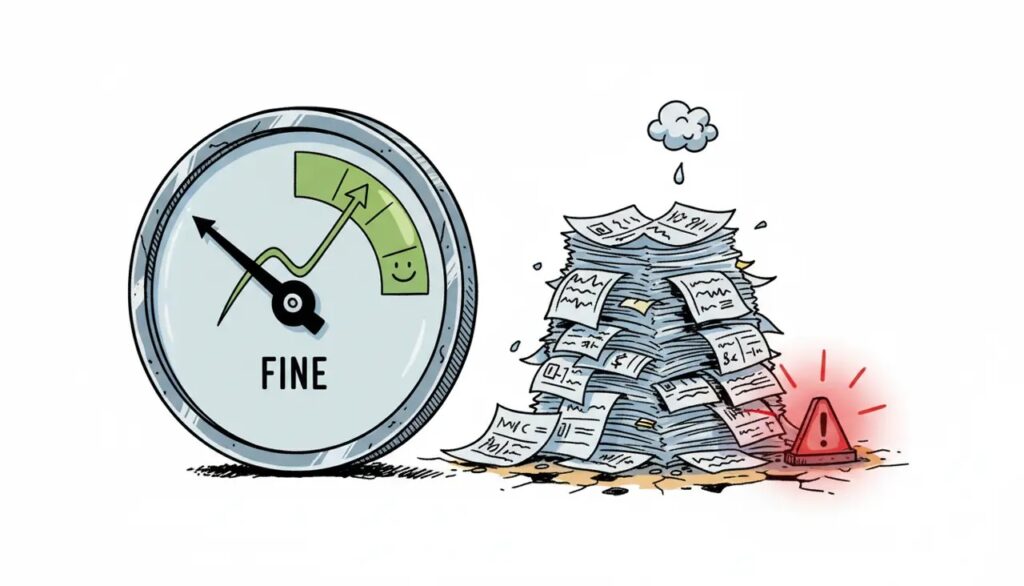
But an ending balance does not explain how the business arrived there. A healthy-looking balance may include a large customer payment that arrived yesterday. A lower balance may simply reflect payroll, supplier payments or another planned commitment.
The Xero Bank Summary report provides a clearer view of money coming into and going out of the bank accounts recorded in Xero over a selected period.
The bank balance tells you where cash ended. The Bank Summary report helps show how it moved.
What Is The Xero Bank Summary Report?
The Bank Summary report shows cash received, cash spent and the movement in bank and credit-card accounts over the reporting period you select.
You can use it to compare activity across accounts and open the underlying transactions when a figure needs further investigation.
It is useful for understanding cash movement, but it is not a complete cash-flow forecast. It shows recorded bank activity rather than every future payment the business may need to make.
Why The Ending Bank Balance Is Not Enough
A single bank balance hides the activity that happened during the month.
For example, the business may have received strong customer collections but also paid several large supplier bills. The ending balance alone does not show whether collections improved, costs increased or payment timing changed.
The Bank Summary report can help the owner see:
- How much cash came into each account.
- How much cash went out.
- Which bank account experienced the largest movement.
- Whether transfers are affecting the apparent movement.
- Which amounts need further investigation.
Make Sure Reconciliation Is Current
The report is only as useful as the information recorded in Xero.
Spend-money transactions, receive-money transactions and transfers may appear when they are entered. However, payments connected to invoices and bills may not appear correctly until they have been reconciled.
Before relying on the report, check that:
- Bank feeds are current.
- Important transactions have been reconciled.
- All active bank and credit-card accounts are included.
- Duplicate or missing transactions have been investigated.
- Unusual transfers are understood.
A polished report based on incomplete records can still lead to the wrong conclusion.
What To Look For In The Report
Do not review the report only to confirm the ending balance. Look for changes that require attention.
Useful questions include:
- Did customer receipts slow compared with the previous period?
- Did supplier or operating payments rise unexpectedly?
- Was one large payment responsible for most of the movement?
- Are repeated transfers making the activity harder to understand?
- Does the movement match what happened operationally?
When something looks unusual, open the related amount and review the transactions behind it rather than guessing.
Transfers Can Distort The Story
Moving cash between business bank accounts changes the balance in each account, but it does not create new revenue or remove an operating expense.
If the business uses several bank accounts, review transfers carefully so they are not mistaken for additional cash received or cash spent.
The report becomes easier to understand when account purposes are clear and transfers are recorded consistently.
A transfer changes where the money sits. It does not change how much money the business has overall.
Use It During Monthly Money Day
The Bank Summary report can be reviewed during your monthly Money Day together with other financial information.
The purpose is not to inspect every transaction personally. It is to understand the main cash movement and decide whether anything needs action.
For example, the next step may be to:
- Follow up overdue customer payments.
- Investigate an unexpected rise in spending.
- Review the timing of a major supplier commitment.
- Correct an account or reconciliation issue.
- Ask the finance team for more detail on an unusual movement.
Choose the most important issue instead of creating a long list that nobody completes.
What The Report Does Not Tell You
The Bank Summary report shows recorded cash movement. It does not by itself explain:
- Whether the business is profitable.
- Which customers or services produce the best results.
- Which bills will become due next month.
- Whether an upcoming purchase is affordable.
- Why a cost increased.
Use it together with information such as receivables, payables, profit and loss, and upcoming commitments.
This gives the owner a better view than relying only on the current bank balance.
Common Mistakes To Avoid
- Reviewing the report only when cash already feels tight.
- Assuming all Xero transactions are current.
- Ignoring unreconciled invoice and bill payments.
- Treating transfers as normal operating movement.
- Looking at the report without choosing a next action.
- Using past cash movement as a substitute for forecasting.
The report is useful because it helps reveal what happened. Its value increases when the owner uses that information to improve the next decision.
Want Your Xero Reports To Lead To Clearer Decisions?
Profit-Ready by CFOSg™ helps owners organise their Xero information and use a monthly Money Day routine to make clearer Cash, Profit and Revenue decisions.