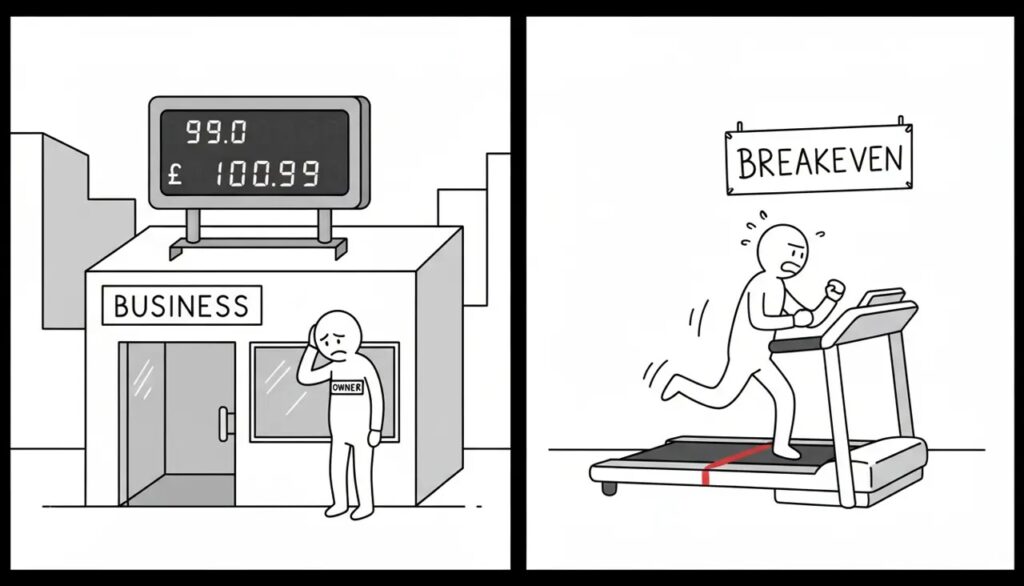
How To Calculate Break-Even When Costs Change

5–7 min read

Calculate break-even: Updating break-even sales when fixed costs change month to month

Share This Post

How To Calculate Break-Even When Costs Change

Use a consistent starting point and update it when important costs change.


Who This Is For
  • Your costs change and your old target is no longer useful.
  • Break-even feels too difficult to maintain.
  • You want a simple review routine.

What To Do This Month
  1. Review your current operating costs.
  2. Update any major changes in payroll, rent or other commitments.
  3. Recalculate break-even and compare it with the previous month.

FAQ
Do I need perfect categories?

No. You need reliable numbers and a consistent review method.

Where do variable costs fit?

They should be considered when estimating how much of each sale is available to cover operating costs.

How often should I update?

Review it monthly and update it whenever there is a major cost change.

What is a warning sign?

Your break-even level keeps rising while revenue does not keep pace.

What should I do if break-even is too high?

Review pricing, margins and fixed commitments before taking on more spending.

Next steps
Not sure why profit and cash do not match? Start with the checkup.
Take the Cash vs Profit Checkup Book demo
Profit-Ready Xero See how Xero becomes a decision system
Next steps
Not sure why profit and cash do not match? Start with the checkup.
Take the Cash vs Profit Checkup Book demo
Profit-Ready Xero See how Xero becomes a decision system
Want more practical money guides? Read the CFOSg Blog
Next Steps
Take the Profit Quiz Book a Call
Profit-Ready™ for Xero users See grant support details
Want weekly CFO tips? Get Money Monday in your inbox
For current Xero users

Profit-Ready™ for Xero users

Already on Xero but still not clear on cash, profit, or what to fix first? This setup helps turn your numbers into something more usable, so you can stop guessing and make better weekly decisions.

What this helps with
1
Stop reading your bank balance like a fortune cookie.
Get a clearer view of cash, profit, and revenue without adding more confusion.
2
Make Xero more useful week to week.
Add a simpler rhythm so your numbers support decisions instead of just recording history.
3
Know what to do next.
See what the setup includes, how support works, and whether it fits where your business is now.
Next steps
1
View the main solution page
2
See support details and what is included
3
Book a call if you want help choosing the right next move

Replace the links above with your actual solution page and booking page.

get Money Monday weekly
Profit-Ready tips. 5–7 min read. Unsubscribe anytime.

Stay in the loop (non-clients)

Notify me when it drops
1 click to unsubscribe anytime.

More to explore:

More to explore: